HTML5 Cheat Sheets
December 28th, 2011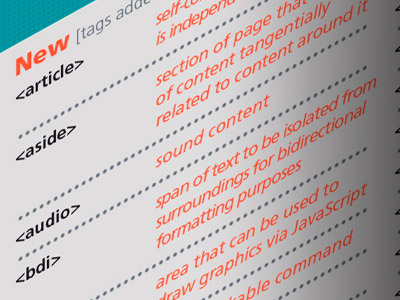
HTML5 Cheat sheets that show tags, event handlers attributes and browser support.
My family has been buying Mac's since I no longer do their Windows tech support. Now I'm Apple Tech support. Can't win.
HTML5 Cheat sheets that show tags, event handlers attributes and browser support.
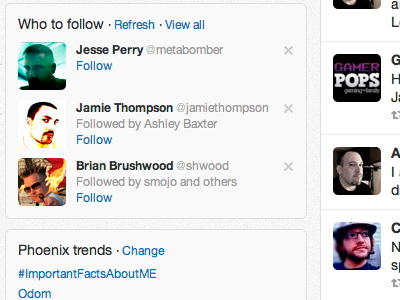
I was just “upgraded” to the new Twitter look. I never have liked that I am forced to see Trends and Who to Follow, neither of which I care to see or use. Since none of the current extensions work to hide this noise, I had to come up with a css workaround.
Here is the custom css I came up with to hide both the Trends and Who to Follow boxes in the new Twitter look:
.dashboard .component .module, .dashboard .module.trends.component .flex-module{ display: none; }
That css will also hide the footer box, which can be useful at times. In order to get the footer box back, use this css after the above code:
.dashboard .component .site-footer { display: block; }
Unfortunately if you are a Chrome user, like myself, you can’t add custom css. You will have to use an extension like Personalized Web to do your custom css work.
In Personalized Web, you will add that same custom css and then add in the Matched URL: ^http[s]*://twitter.com
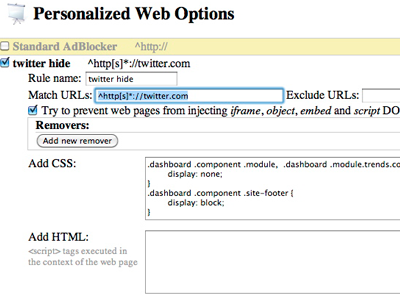
Once this is added, refresh your twitter page and voilà, the junk is gone.